
Navigating the UAE’s corporate tax landscape is a critical step for businesses aiming to stay compliant and thrive in this dynamic economic hub. With the introduction of the federal corporate tax regime in June 2023, all taxable entities—mainland companies, free zone businesses, and foreign entities operating in the UAE—must register with the Federal Tax Authority (FTA) to obtain a Tax Registration Number (TRN). At Build Our Business, we’re here to guide you through the corporate tax registration process, ensuring compliance and seamless operations. This blog provides a step-by-step guide, key requirements, and expert tips to make your corporate tax journey straightforward.
Why Corporate Tax Registration Matters
The UAE’s corporate tax, set at 9% for taxable profits exceeding AED 375,000 annually, aligns the country with global taxation standards while maintaining one of the world’s lowest rates. Registering for corporate tax is mandatory for businesses meeting this profit threshold, and timely registration helps avoid penalties, ensures transparency, and supports smooth business operations. Whether you’re a startup or an established enterprise, understanding the process is essential for compliance and growth.
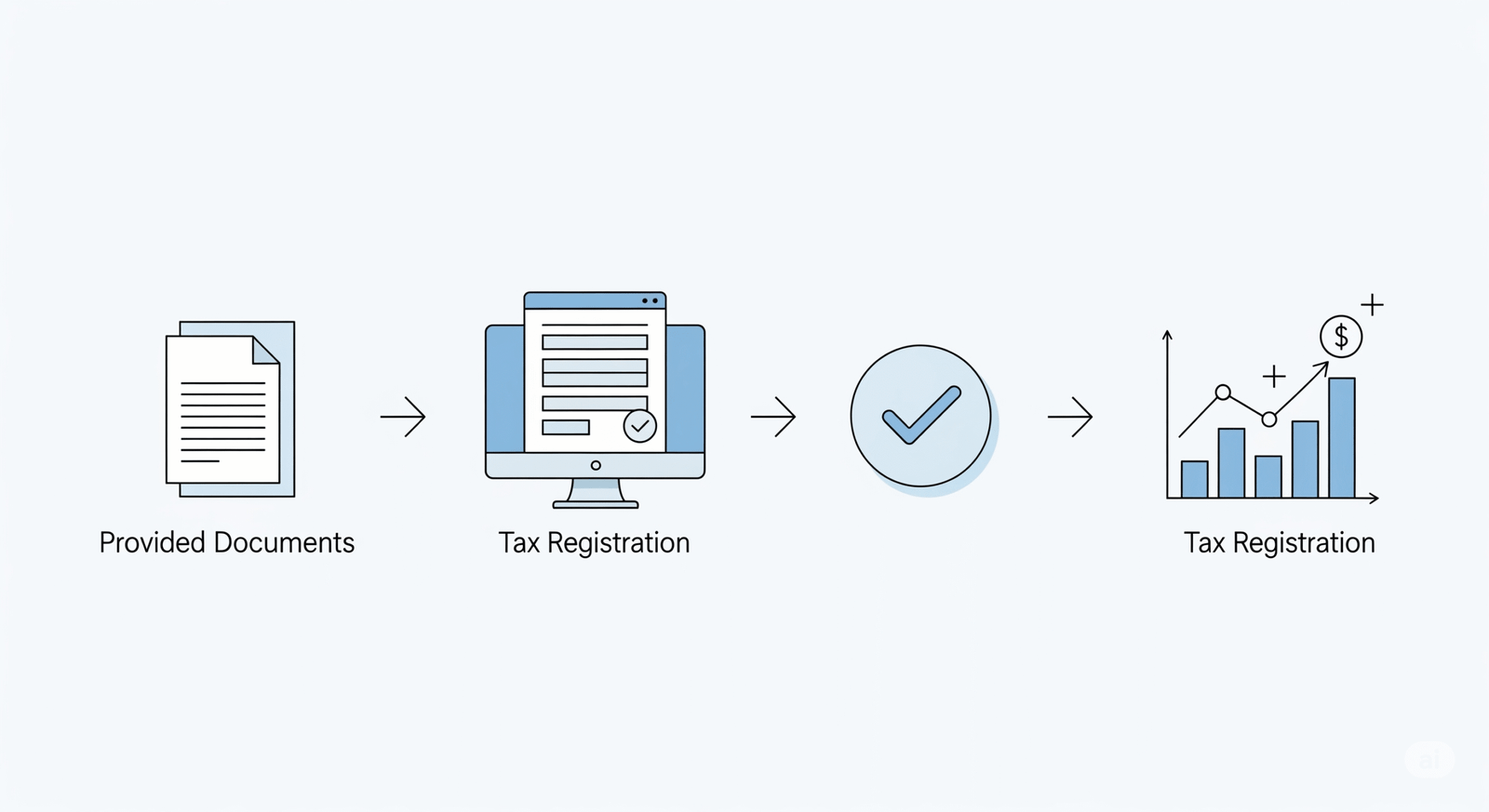
Who Needs to Register for Corporate Tax?
- Mainland Companies: All businesses operating under a commercial license in the UAE mainland.
- Free Zone Entities: Free zone businesses, even those potentially qualifying for a 0% tax rate as Qualifying Free Zone Persons (QFZPs), must register unless they exclusively generate exempt income.
- Foreign Entities: Non-resident businesses with a permanent establishment or significant economic presence in the UAE.
- Individuals: Those conducting business activities under a commercial license with taxable profits above AED 375,000.

Step-by-Step Guide to Corporate Tax Registration
1. Create an EmaraTax Account
a. Visit the EmaraTax portal.
b. Sign up using your email and phone number, or log in with an existing FTA account or UAE Pass.
c. If you’re a new user, follow the prompts to set up your profile.
2. Add a Taxable Person
a. If no taxable person is linked to your account, click to add a new one.
b. Choose the appropriate entity type — natural or legal person.
3. Select Corporate Tax Registration
a. Go to the Corporate Tax section.
b. Click “Register” to begin the application.
4. Review Guidelines
a. Read the Federal Tax Authority (FTA) registration guidelines.
b. Tick the checkbox to agree and continue.
5. Provide Entity Details
a. Enter your trade license number.
b. Select your legal structure and enter your registration number.
c. Specify the business activities as listed on your trade license.
6. Submit Identification Details
a. Provide your trade name and legal name (both in English and Arabic).
b. Enter Emirates ID or passport details of the authorized signatory.
7. Upload Required Documents
a. Valid trade license
b. Emirates ID or passport of the manager, owner, or senior management
c. Proof of authorization (for legal entities)
d. Optional: Land/property title deed or other supporting documents
e. Ensure all documents are in PDF or Word format, not exceeding 5MB each.
8. Review and Submit
a. Carefully check all details for accuracy.
b. Click Submit.
c. FTA typically processes applications within 20 business days.
9. Receive Your TRN
a. Once approved, you’ll receive your Tax Registration Number (TRN).
b. This number is essential for tax filings and compliance.
Why Choose Build Our Business for Corporate Tax Compliance?
At Build Our Business, we simplify the complexities of UAE corporate tax compliance. Our expert team offers:
- Tailored Guidance: Personalized support to assess your tax obligations and eligibility for exemptions.
- Seamless Registration: Assistance with EmaraTax portal navigation and document preparation.
- Compliance Support: Help with tax filing, record-keeping, and audit preparation to avoid penalties.
- Strategic Tax Planning: Strategies to optimize tax outcomes and leverage free zone benefits.
Penalties for Non-Compliance
- Late Registration
- Late Filing
- Incorrect Returns